
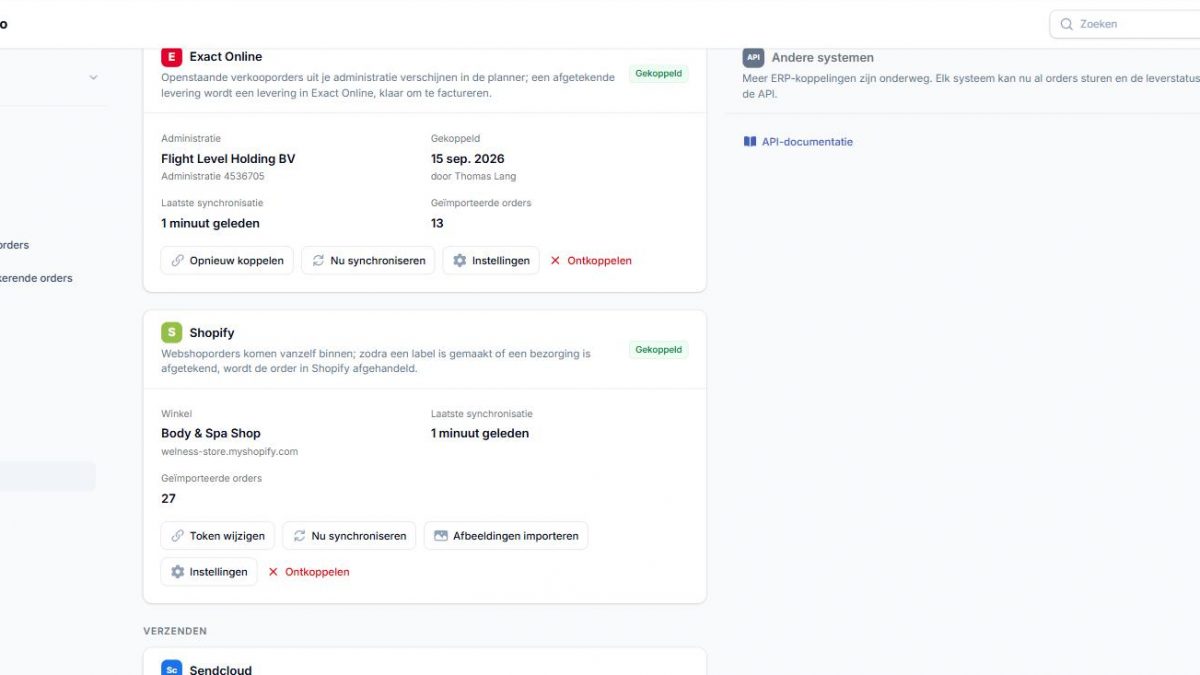
Order picking for Shopify: scan, check and ship without mistakes
Shopify is great for selling, but it doesn’t help much in the warehouse. Most shops pick from a printed packing slip and check it by eye. That works fine until the busy season, when the wrong size or color goes out and you end up paying for a return.
Rondeo adds a simple scan-to-pick step between the Shopify order and the parcel, and then updates Shopify for you when the order has shipped.
From webshop to parcel in four steps
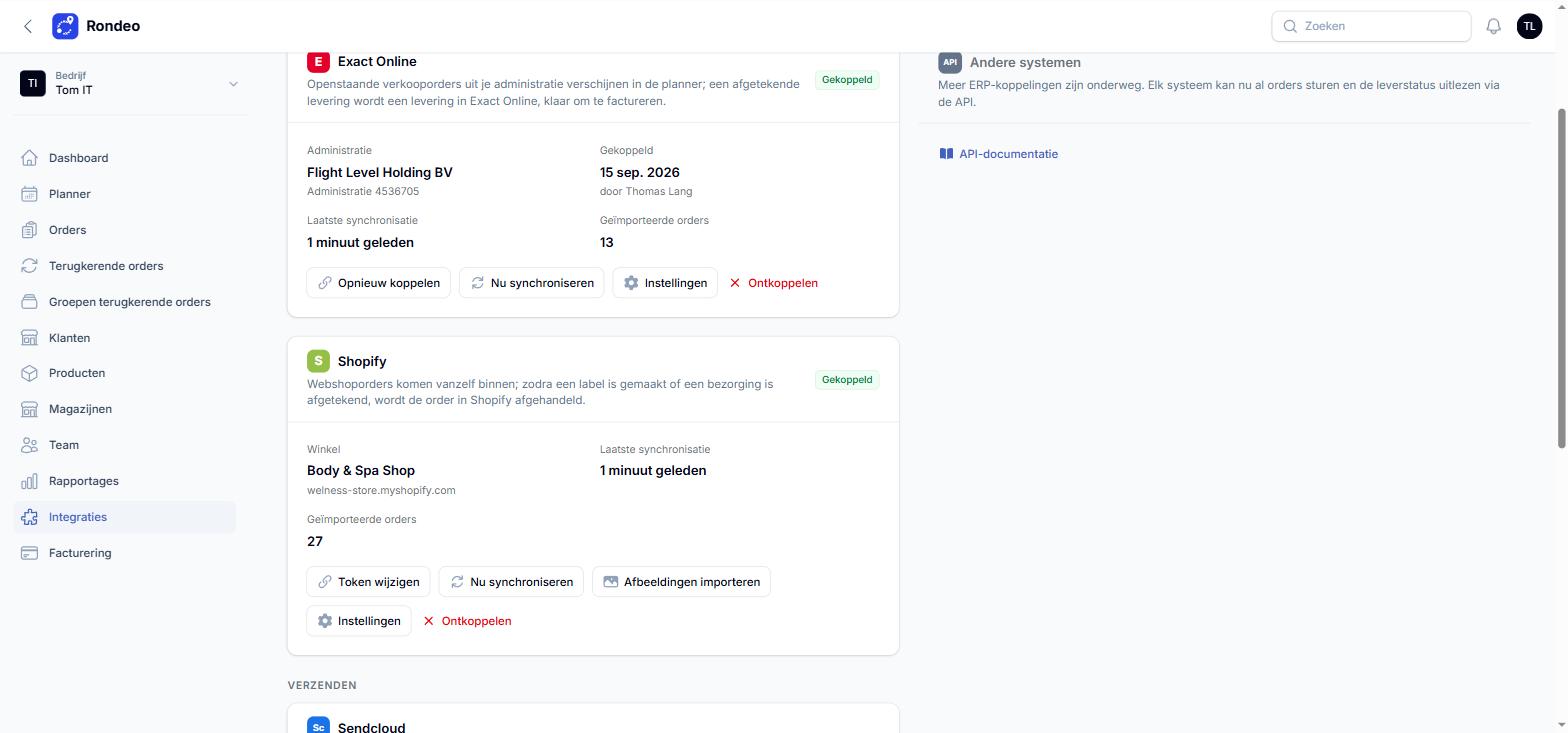
Works with the scanner you already have
The Rondeo app runs in the browser on Android and iOS, so there is nothing to install from an app store. Pickers log in by scanning a QR code, which means no passwords to manage. You can scan with the phone camera or a Bluetooth barcode scanner, or tick items off by hand for products without a barcode. The office sees which orders are ready as soon as they are prepared.
Parcel or your own delivery van? You choose per order
Many Shopify merchants also deliver locally, such as furniture, plants, bulk goods or same-day orders in their own region. In Rondeo, each webshop order becomes either a shipment for a carrier or a delivery for your own drivers. You can set a default, or let the Shopify shipping method decide:
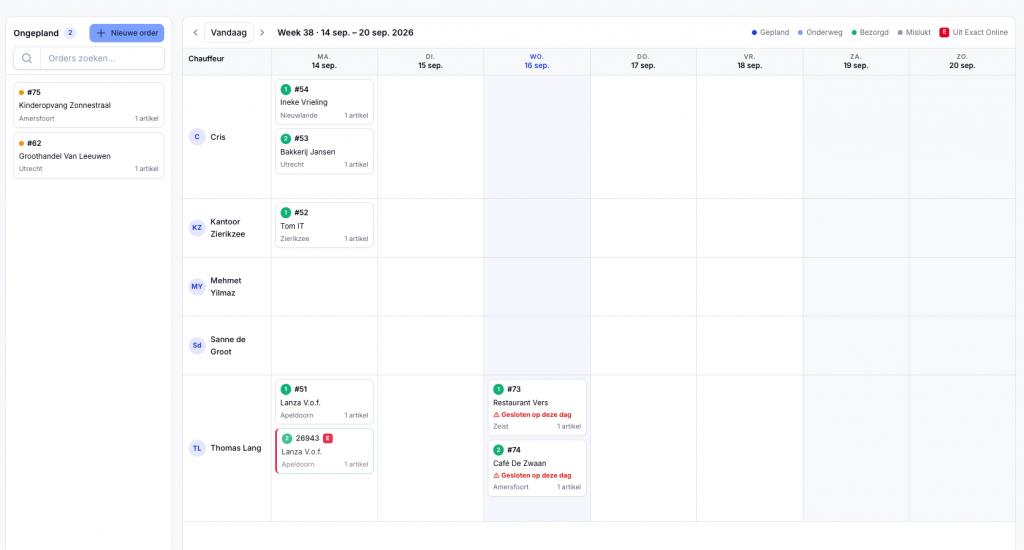
Local deliveries are dragged onto a driver and a day in the weekly planner. The driver gets the customer’s signature in the app, and the Shopify order is fulfilled after that.
Setup
You connect Rondeo with a custom app from your Shopify admin. Paste the shop domain and the access token, and you’re done. The Shopify integration is included in the Team plan (€79 per month) and the Fleet plan, and it’s available in the free trial.
Try it yourself: Rondeo has a 30-day free trial with every feature, no credit card and no setup fee. Start at rondeo.net, or mail [email protected] if you want help connecting your systems.