
Openhab 2 Rules & Sitecom WLC-1000 Camera Script
I have openhab running as my home automation system, which allows me to control my lights and in-house ventilation system. And I have setup some nice rules to automate as much as possible, now I want to update my WLC-1000 cameras settings through openhab.
Eerste Timelapse met de olympus OM-D E-M10 Mark ii
Ik ben weer naar één van m’n favoriete locaties geweest om een timelapse te proberen met m’n nieuwe Olympus OM-D E-M10.
Overstap van Nikon D3200 naar Olympus OM-D E-M10 Mark ii
Het is een hele mond vol m’n nieuwe Olympus OM-D E-M10 Mark ii 🙂
Ik heb deze camera onlangs aangeschaft omdat ik op zoek was naar iets lichters dan m’n Nikon D3200 met sigma 17-50 F2.8 & Nikon 55-200 VR Objectief.
Read MoreOverstap van Nikon D3200 naar Olympus OM-D E-M10 Mark ii
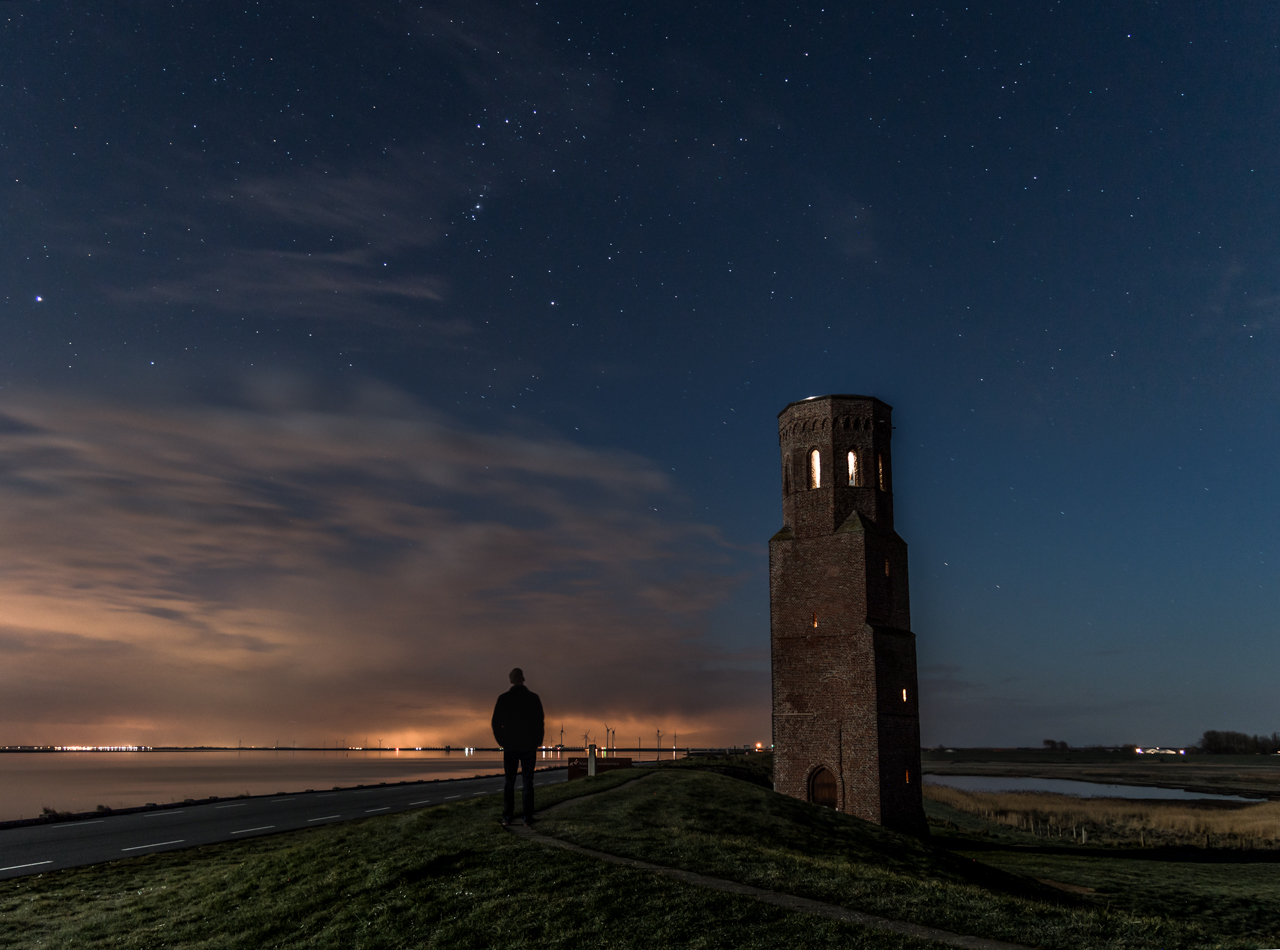
Poging tot sterrenfotografie bij een heldere maan nacht
Gisteren was het een mooie avond om sterren te fotograferen, het was bijna volle maan, en het leek me een goed idee om terug te keren naar de plek waar ik een week of 4 geleden niet het resultaat kreeg dat ik voor ogen had, de plompe toren in Haamstede (zie onderstaande foto)
Read MorePoging tot sterrenfotografie bij een heldere maan nacht
Simple DIY Product Photography
A friend asked me to try and make some nice product pictures for his website.
Since I mostly shoot landscapes, I thought I would like to try a simple setup, to shoot product photography without any specialised equipment (except for an external flash and camera offcourse 🙂 ).
I wanted some reflection of the product, so I used my old Ipad as a glass plate to place the product on, you can use any other glass plate or tablet you have available.
I first tried flashing right on the bracelet (on a white table) which gave a lot of flash reflections in the product picture:
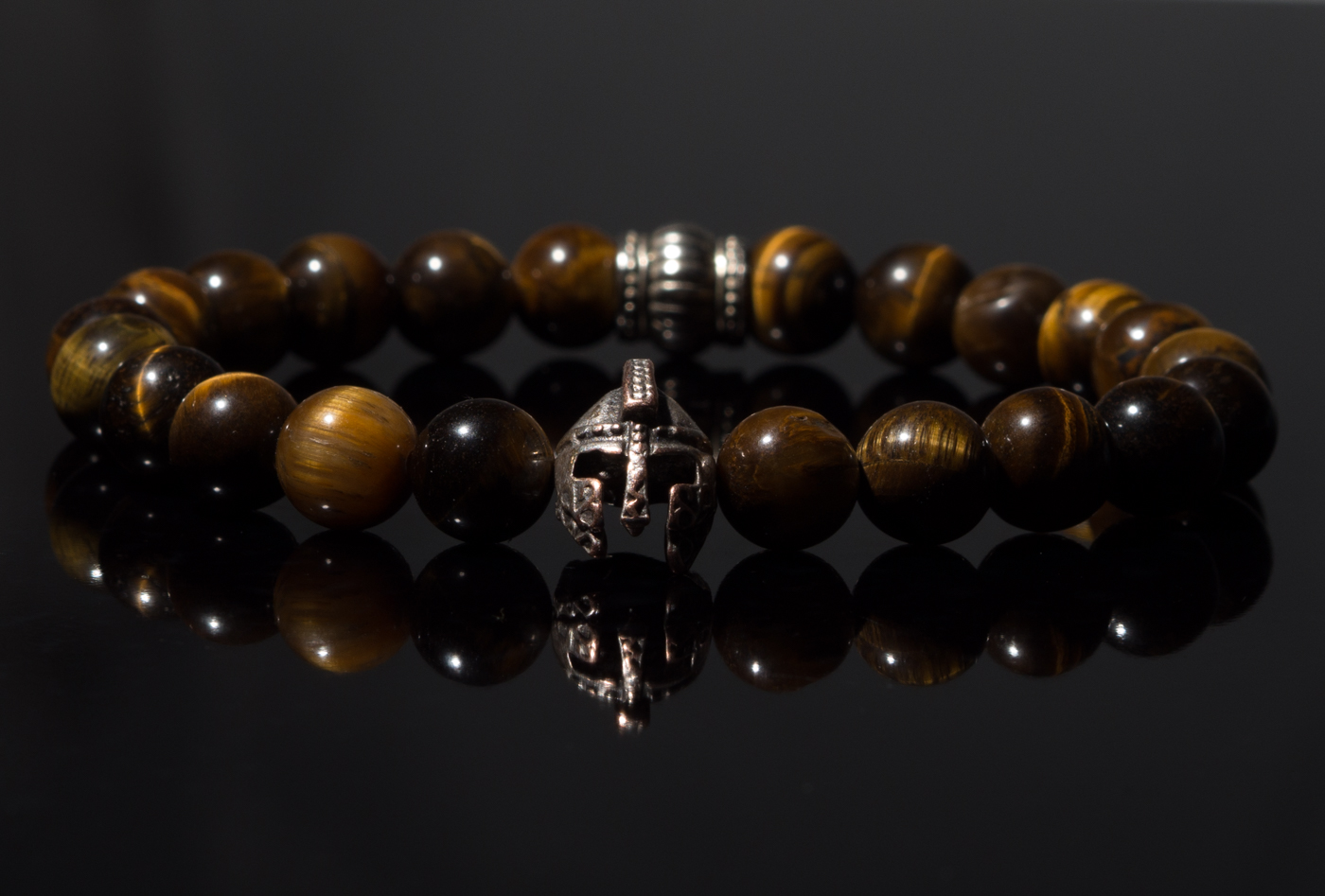
It could be worse, but I’m not super thrilled about the result. I need to bounce the flash, and place the flash inside a small space, to get a nice effect.
So for my “product photo studio” I used one of the cubes in my ikea kallax closet, you can use any space you have preferably with a white ceiling to bounce the flash off), or create a box with some white wood
As you can see in the picture below, my wall has a little blue-ish color, which I think adds to the end result.
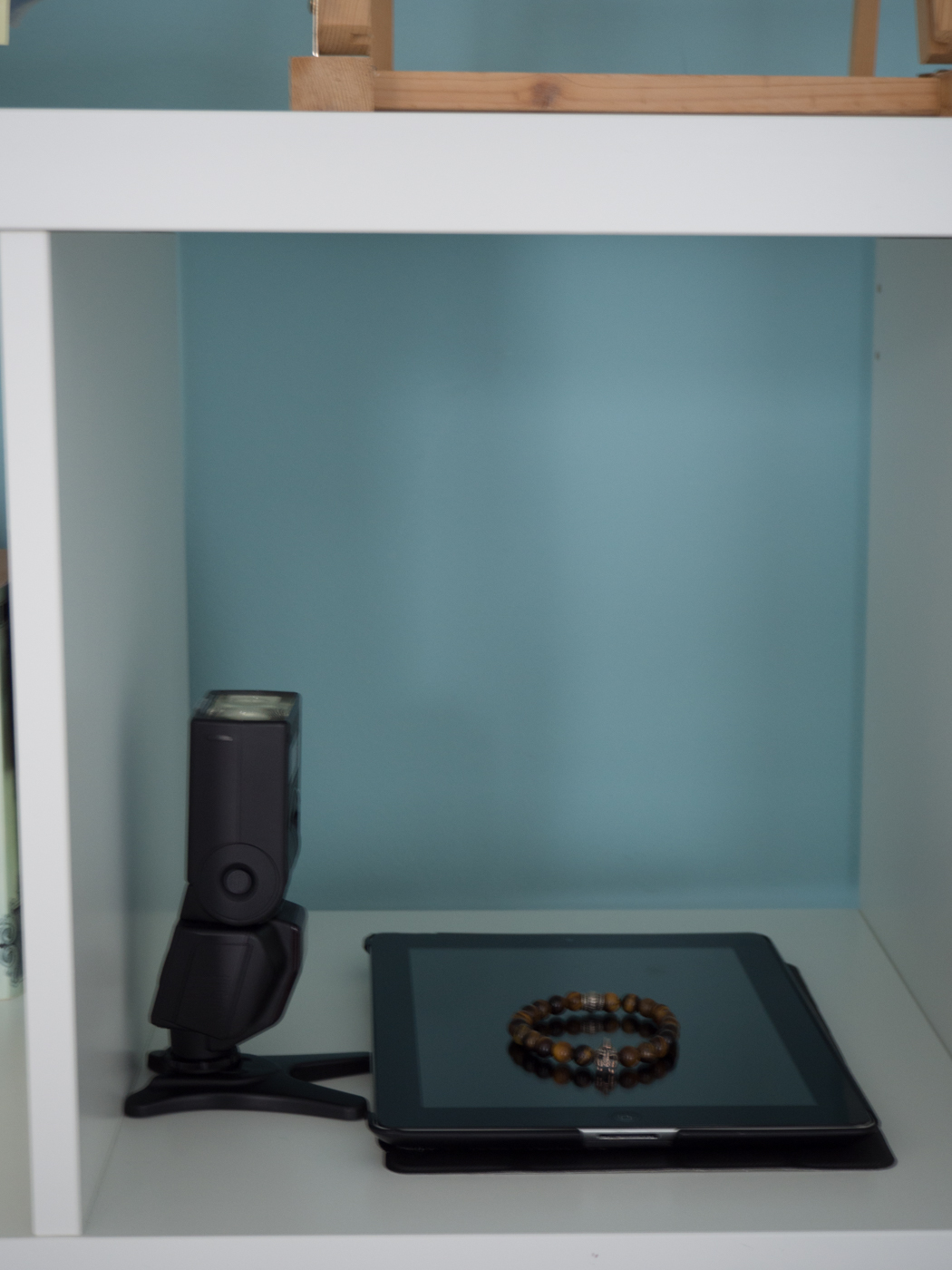
Result (unedited):
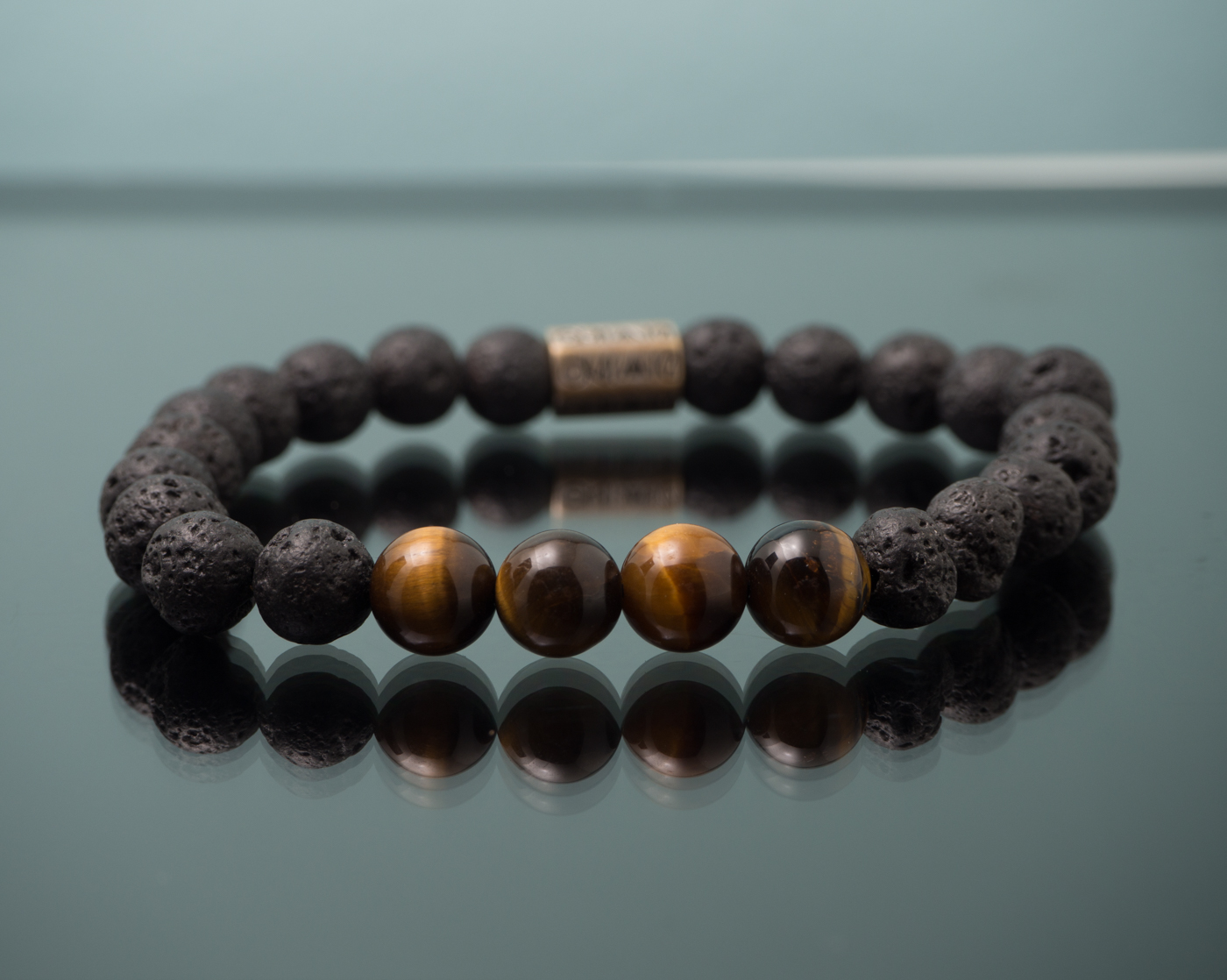
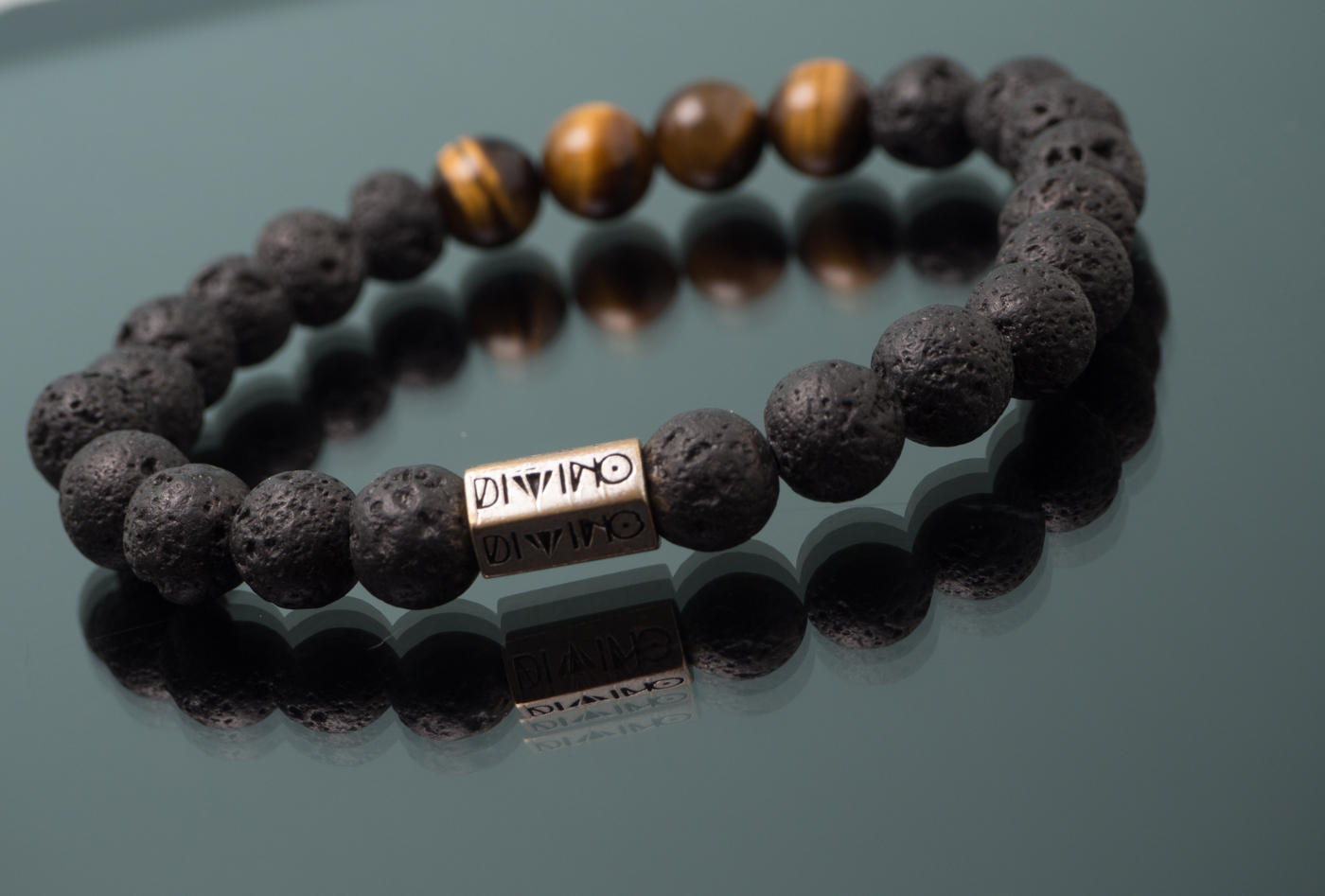
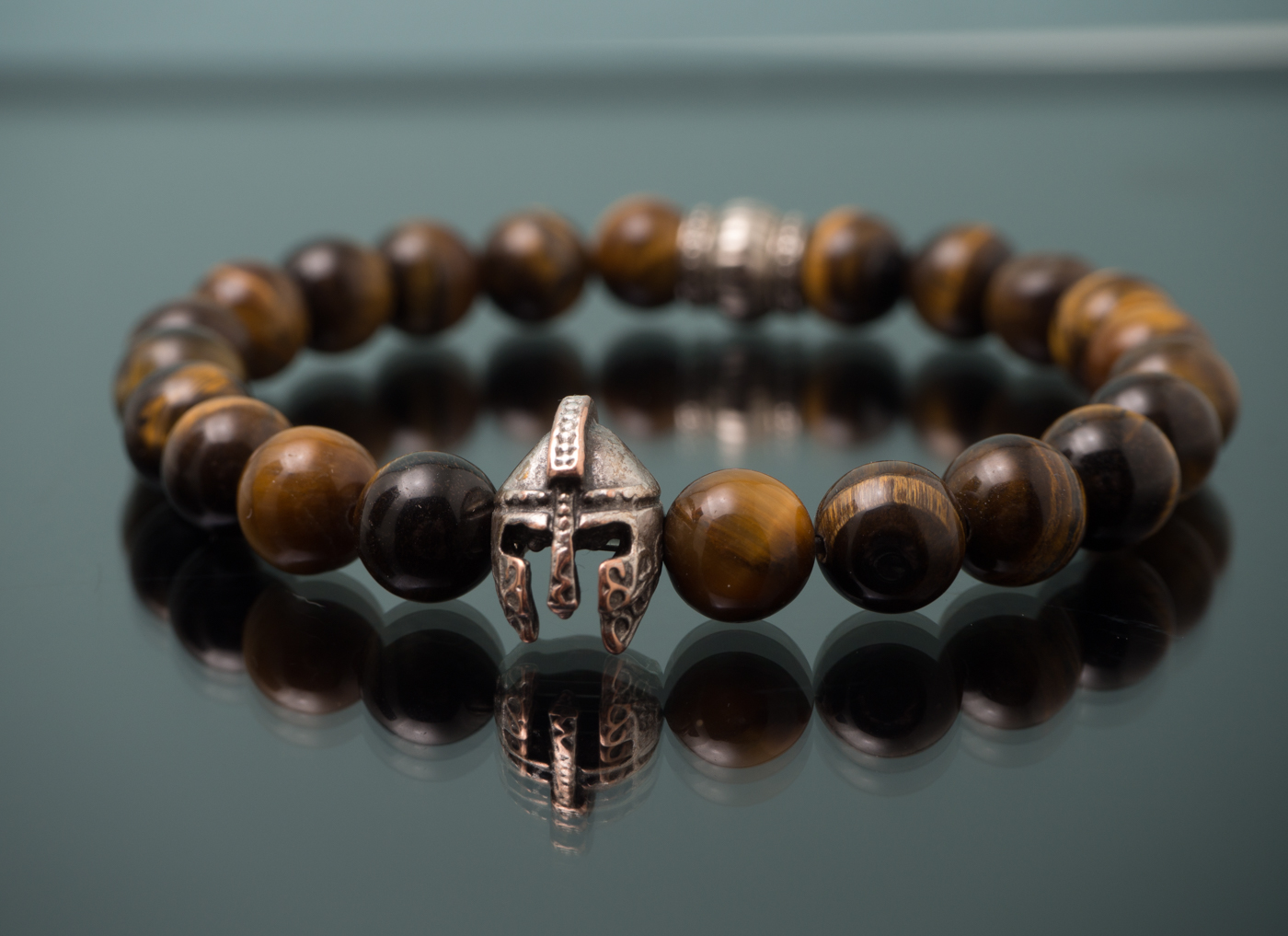
Simple DIY Product Photography
A friend asked me to try and make some nice product pictures for his website.
Since I mostly shoot landscapes, I thought I would like to try a simple setup, to shoot product photography without any specialised equipment (except for an external flash and camera offcourse 🙂 ).
I wanted some reflection of the product, so I used my old Ipad as a glass plate to place the product on, you can use any other glass plate or tablet you have available.
I first tried flashing right on the bracelet (on a white table) which gave a lot of flash reflections in the product picture:
It could be worse, but I’m not super thrilled about the result. I need to bounce the flash, and place the flash inside a small space, to get a nice effect.
So for my “product photo studio” I used one of the cubes in my ikea kallax closet, you can use any space you have preferably with a white ceiling to bounce the flash off), or create a box with some white wood
As you can see in the picture below, my wall has a little blue-ish color, which I think adds to the end result.
Result (unedited):
Shoot for the moon
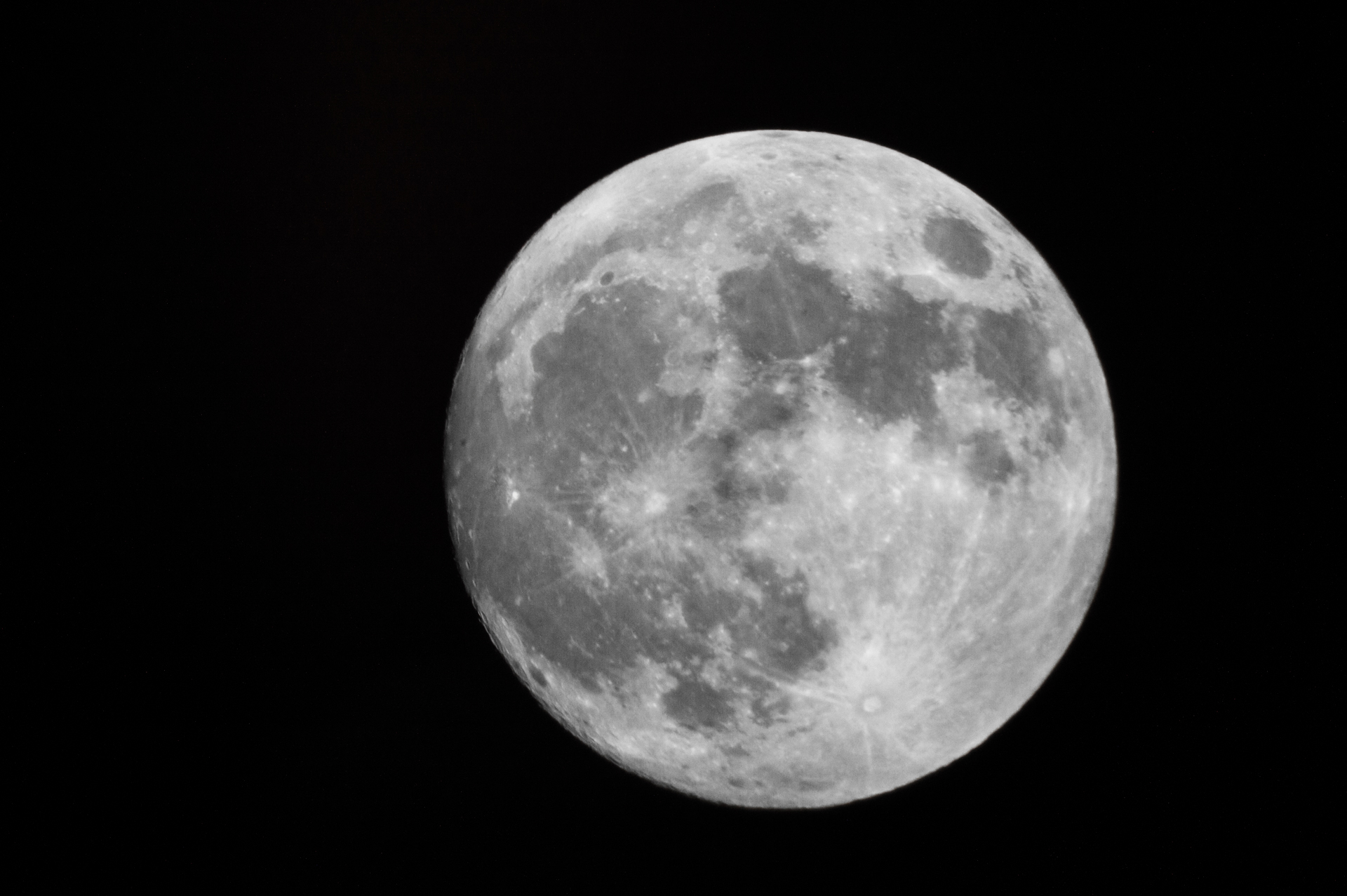
I dusted off our old (and never used) Bresser 45-46000 telescope, and found when i detach my Nikon d3200’s lens I can use it on the focusser of the telescope to get some nice images.
Caching repetitive requests
For a client I created a php script that gets certain user profile statistics from another website and returns it as JSON to the ajax request that our own website sends.
This was the easiest way, since saving it ourselves and keeping the data up to date with all the changes would be too much work.
In order to lower the loadtime & keep the other website from being swamped with requests (every profile load) I used memcached to cache the data for 12 hours.
Caching data with memcached is fast and simple.
If you don’t have memcached yet, you can install it on ubuntu with the following command:
sudo apt-get update
sudo apt-get install php5-memcached memcached
It should instantly start a memcached process, or you can start it manually:
/etc/init.d/memcached start
the config file will be in /etc/memcached.conf or /etc/sysconfig/memcached
Here you can change the port (default it runs on 11211)
Now whenever my php script gets a request for a profile, I check if we have the data cached in memory:
mc = new Memcached();
$mc->addServer("127.0.0.1", 11211);

$result = $mc->get($cachekey);

if ($result) {
   return $result;
}
the cachekey can be anything you wan’t wich will identify the data you are looking for (in my case I used the url encoded as the key)
If no result was found, I then get the result from the remote website, and save it in my memcached server for 12 hours
$mc->set($cachekey, $stats, 43200);
This way only the first request for every profile in 12 hours will be sending a request to a remote server, decreasing the average loadtime of the pages for the visitors.
Don´t forget we can also use memcached for caching results we get from database queries on our own database, to decrease loadtime and database cpu load.
Personally I prefer varnish for full page caching solutions (I will talk about that in another post), but for smaller stuff like a hand full of objects / results memcached is a very nice option.
Magento isSaleable() false
If you are having problems with products not being saleable in magento, make sure you add the price attribute to the select, otherwise it will always return false!
$collection = Mage::getModel('catalog/product')->getCollection();
        $collection->addAttributeToSelect('name')
                ->addAttributeToSelect('image')
                ->addAttributeToSelect('price')
                ->addAttributeToSelect('url_path')
                ->addAttributeToSelect('status')
                ->addUrlRewrite();